

pnc.com or via the PNC Mobile Banking App.
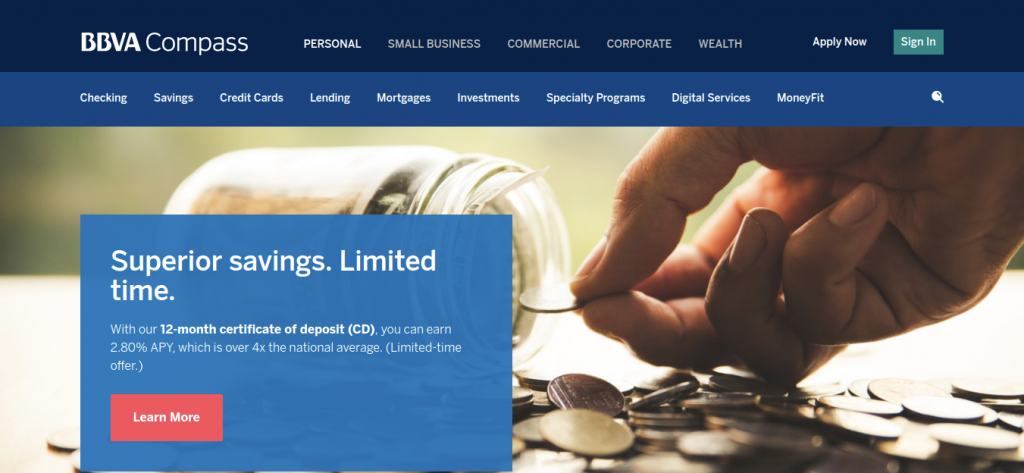
BBVA Compass (BBVA USA) was a premier regional banking institution serving commercial and retail banking clients across Texas, Alabama, Arizona, California, Florida, Colorado, and New Mexico. Following the acquisition and merger into PNC Financial Services Group, all BBVA credit card accounts, rewards programs, and customer accounts transitioned into PNC Bank.
Whether you hold a legacy BBVA Compass Rewards Visa, ClearChoice card, or transitioned PNC Points / Cash Rewards credit card, this comprehensive guide covers logging in to PNC Online Banking, submitting monthly payments, setting up automatic recurring AutoPay, redeeming reward points, and contacting 24/7 cardholder care.
PNC Bank (BBVA Compass) Credit Card Payment Options Overview
Compare available payment options, fees, and posting speeds:
| Payment Channel | Convenience Fee | Posting Speed |
|---|---|---|
| PNC Online Banking (Bank ACH) | $0.00 (Free) | Same-Day Credit if made before 10:00 PM EST |
| PNC Mobile Banking App | $0.00 (Free) | Same-Day Credit |
| AutoPay (Automatic Bank Draft) | $0.00 (Free) | On Monthly Payment Due Date |
| Automated Phone Banking (IVR) | $0.00 (Free) | Instant Confirmation |
| PNC Branch Teller Windows | $0.00 (Free) | Immediate Available Credit Restoration |
How to Pay Your BBVA (PNC) Credit Card Online (Step-by-Step)
- Navigate to: pnc.com.
- Click “Sign On” and enter your PNC User ID and Password.
- Select your credit card account from the dashboard.
- Click “Make a Payment”.
- Select payment amount: Minimum Due, Statement Balance, Current Balance, or Other Amount.
- Select payment source: Linked PNC Checking Account or External Bank Account (ACH).
- Confirm submission to receive an instant transaction confirmation receipt.
How to Set Up AutoPay with PNC Bank
- Log into your PNC Online Banking profile.
- Navigate to Credit Card > Payment Settings > AutoPay.
- Choose your payment preference: Minimum Due or Full Statement Balance.
- Link your checking account routing and account numbers.
- Authorize the monthly recurring draft to eliminate late fees.
Alternative Payment Channels
- PNC Mobile App: Check balances, view pending charges, and pay bills on iOS and Android.
- Pay by Phone: Call PNC Credit Card Customer Service 24/7 at 1-800-558-8472.
- Pay by Mail: Send payment check with statement remittance coupon to:
PNC Bank Credit Card Services
P.O. Box 71335
Philadelphia, PA 19176-1335 - PNC Bank Branches & ATMs: Pay in person at over 2,300 PNC branch locations nationwide.
PNC Credit Card Support Directory
- Cardholder Customer Care (24/7): 1-800-558-8472
- Hearing Impaired (TTY): 1-800-531-1648
- Official Banking Portal: pnc.com
- Corporate Headquarters: PNC Financial Services Group, Pittsburgh, PA
Frequently Asked Questions (FAQ)
Can I still use my old BBVA Compass credit card?
If you have not yet activated your replacement PNC Bank credit card, please call 1-800-558-8472. All legacy BBVA accounts have now been fully transitioned to PNC Bank cards and systems.
What happened to my BBVA Compass reward points?
All accumulated BBVA Compass reward points were transferred dollar-for-dollar into the PNC Rewards program upon system conversion and can be redeemed for cash back, statement credits, or travel at pnc.com.
Related Financial & Credit Guides:
Disclaimer: BillPayment.guide is an independent banking guide and is not affiliated with, endorsed by, or operated by BBVA USA or PNC Bank, N.A. All trademarks belong to their respective owners.

Anisur Rahman brings over 17 years of experience at the intersection of complex technology and digital strategy to BillPayment.guide. Active in the digital space since 2009, Anisur uses his deep industry insights to break down financial technologies, secure online payment methods, and digital platforms. His actionable guides help readers navigate the fast-paced digital economy and manage their online transactions with confidence.
